From standards binder to finished manual
Three steps. Most offices see a drafted, statute-cited section within minutes of confirming.
Tell us your county — and verify
Type your office name, county, and state. Lantern's grounded research finds your chief, mailing address, phone & email, office hours, morgue setup, autopsy arrangement, staffing breakdown, annual case volume, and your county seal — usually 13–17 fields, every one from a public source. You review the form, edit anything that's off, and confirm. Coroner offices auto-start IACME; ME or mixed offices pick IACME or NAME here.
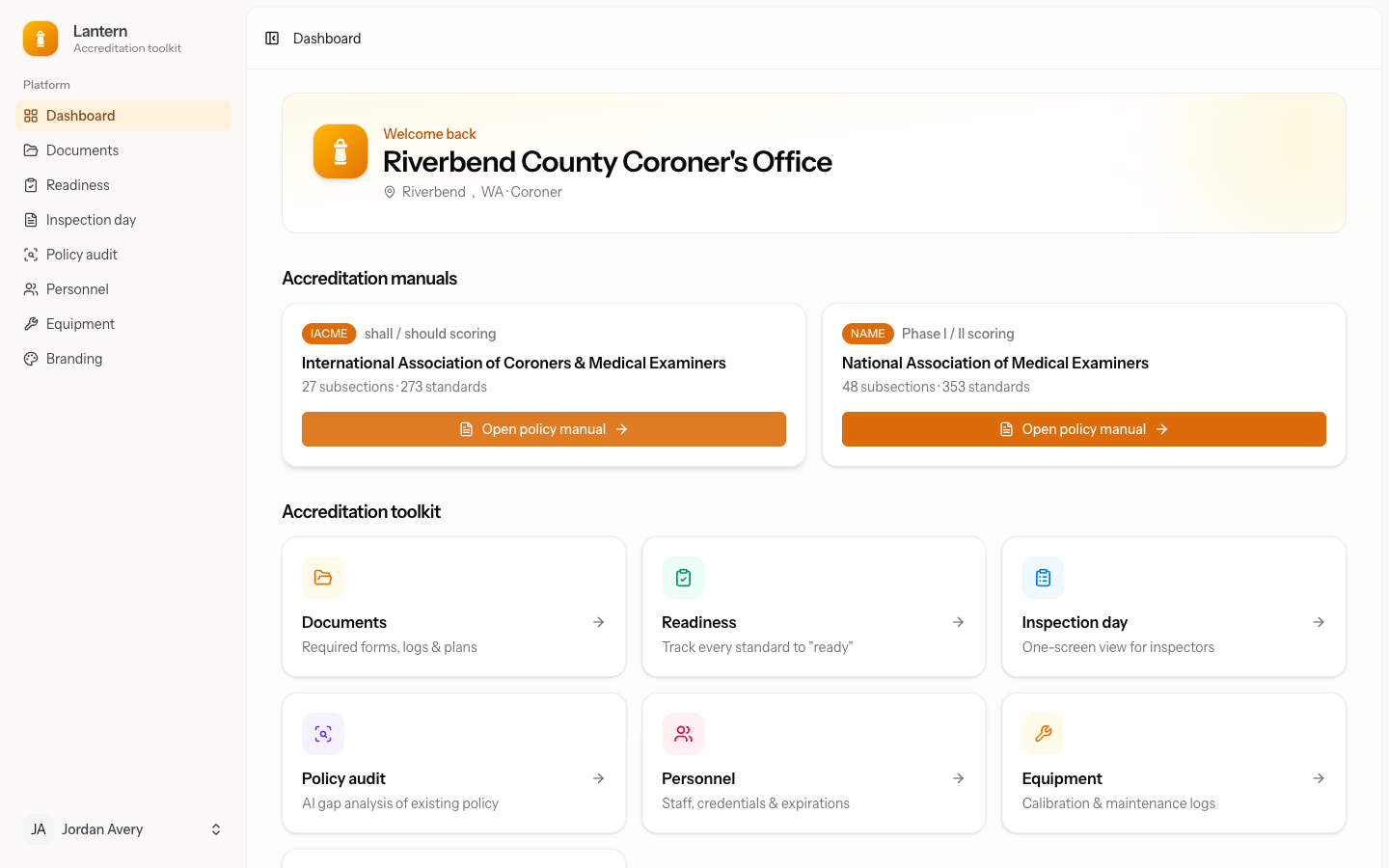
Watch your manual draft itself
Click confirm and Lantern starts drafting every section in parallel, using the office details you verified. A live progress bar shows what's done. When drafting finishes, real state-statute citations land automatically — anything we can't verify in your state gets a neutral "according to state statute" fallback, so the manual never ships with raw placeholders. You can edit any section, ask for an AI revision, or regenerate.
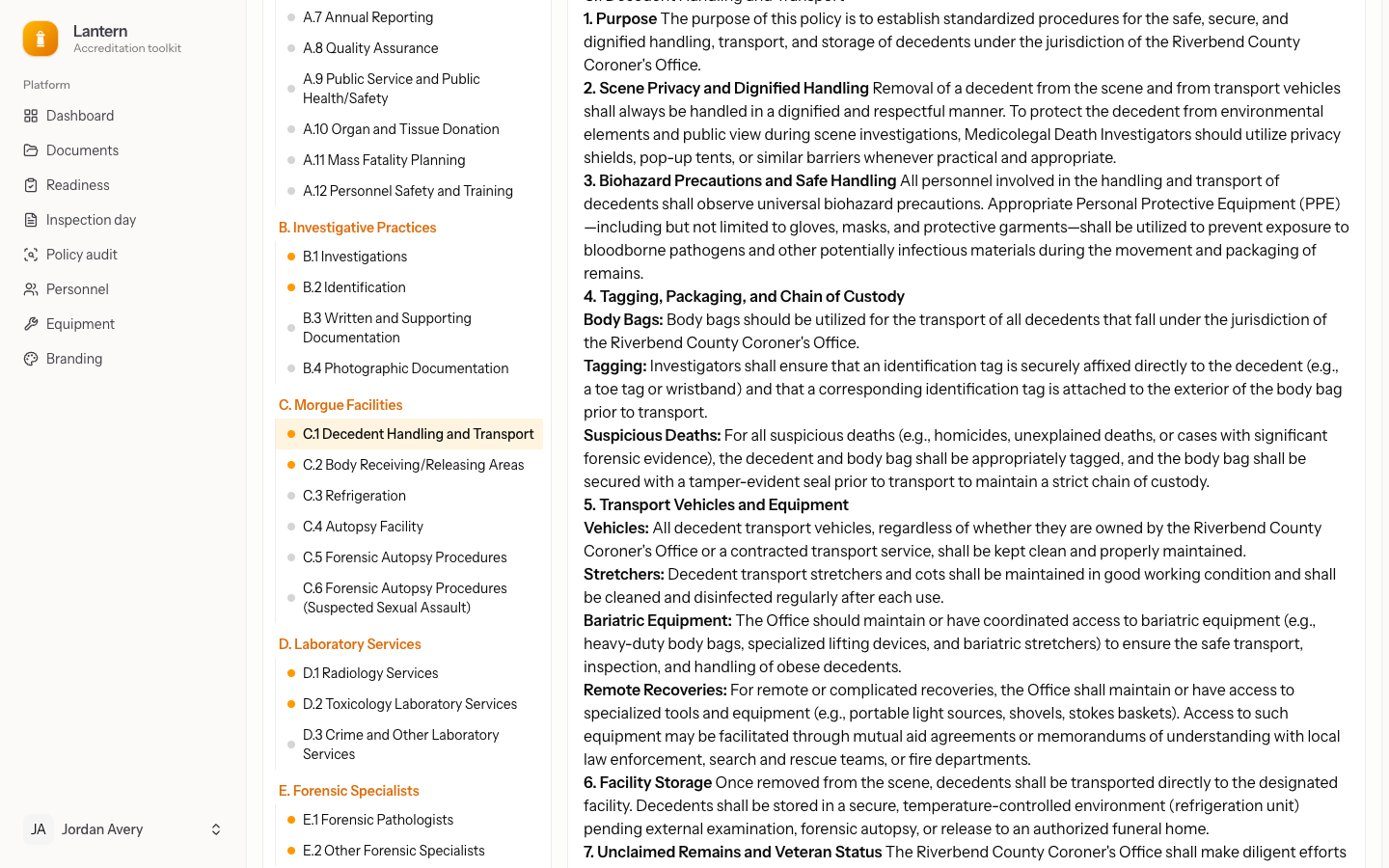
Audit, finalize & adopt
Watch readiness climb as standards are covered. Upload your existing policy if you have one and get a gap audit. When you're ready, finalize and lock an adoption-ready PDF with your seal, a signature line, and an effective date — and the cover even shows your morgue address when it's at a separate facility.
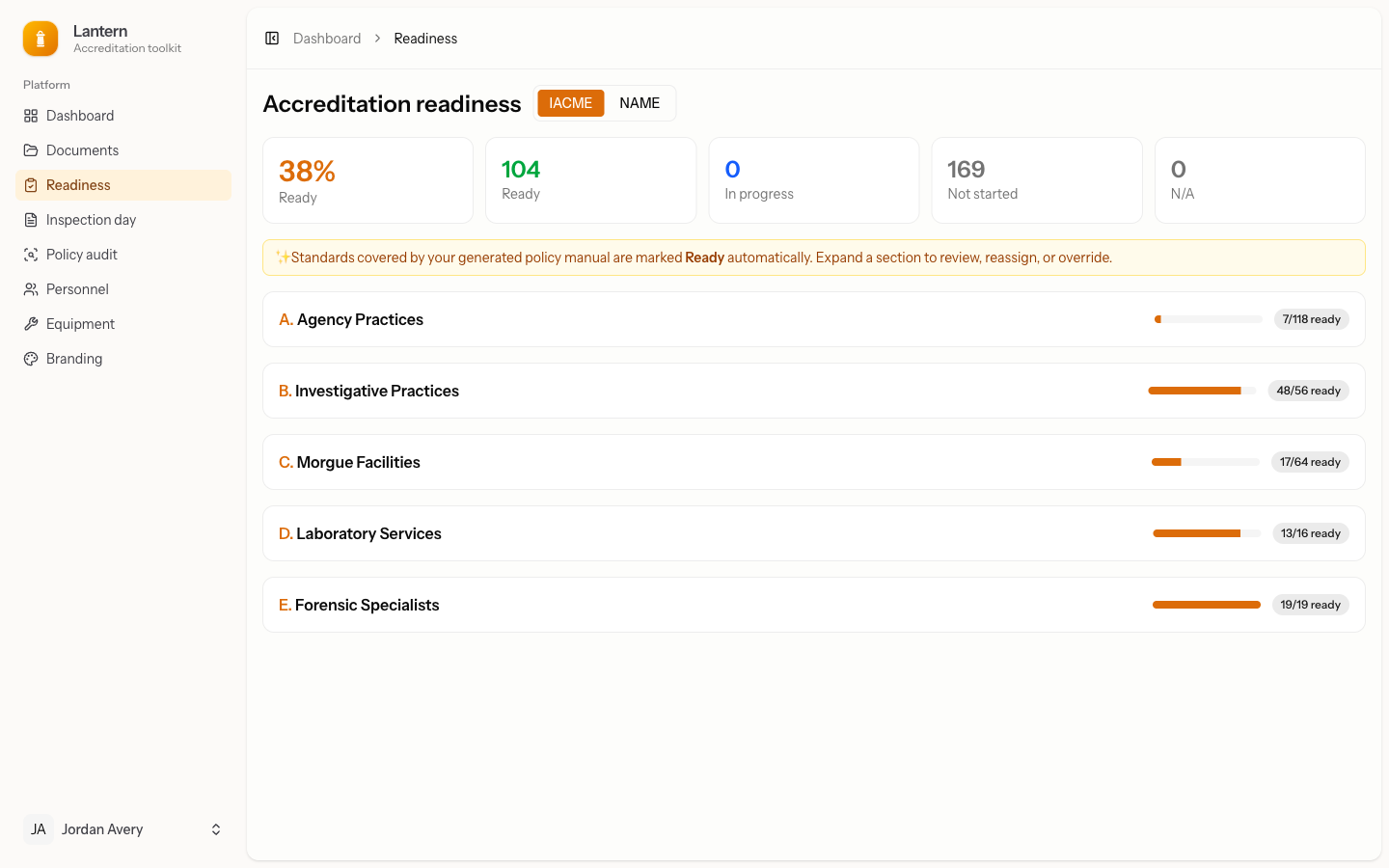
Start your manual today
Tell us your county and the manual drafts itself.